Your salon takes bookings while you work.
Try it without a credit card
Your clients choose their time online. Appointments arrive in your calendar, without interrupting your work.
Looking for a salon? Find a salon
- No credit cardTo start your free trial
- No commissionOn your appointments
- Cancel any timeYou stay in control
Your shop, your page
Ready for your first bookings
Build your page
Shop name, services, opening hours, photos. Your profile gets its own address, ready to share.
Share your link or QR code
On social media, in your window or on your business card: clients go straight to your page.
Bookings arrive in your calendar
Appointments are confirmed automatically. Once a slot is booked, it is no longer offered to other clients.
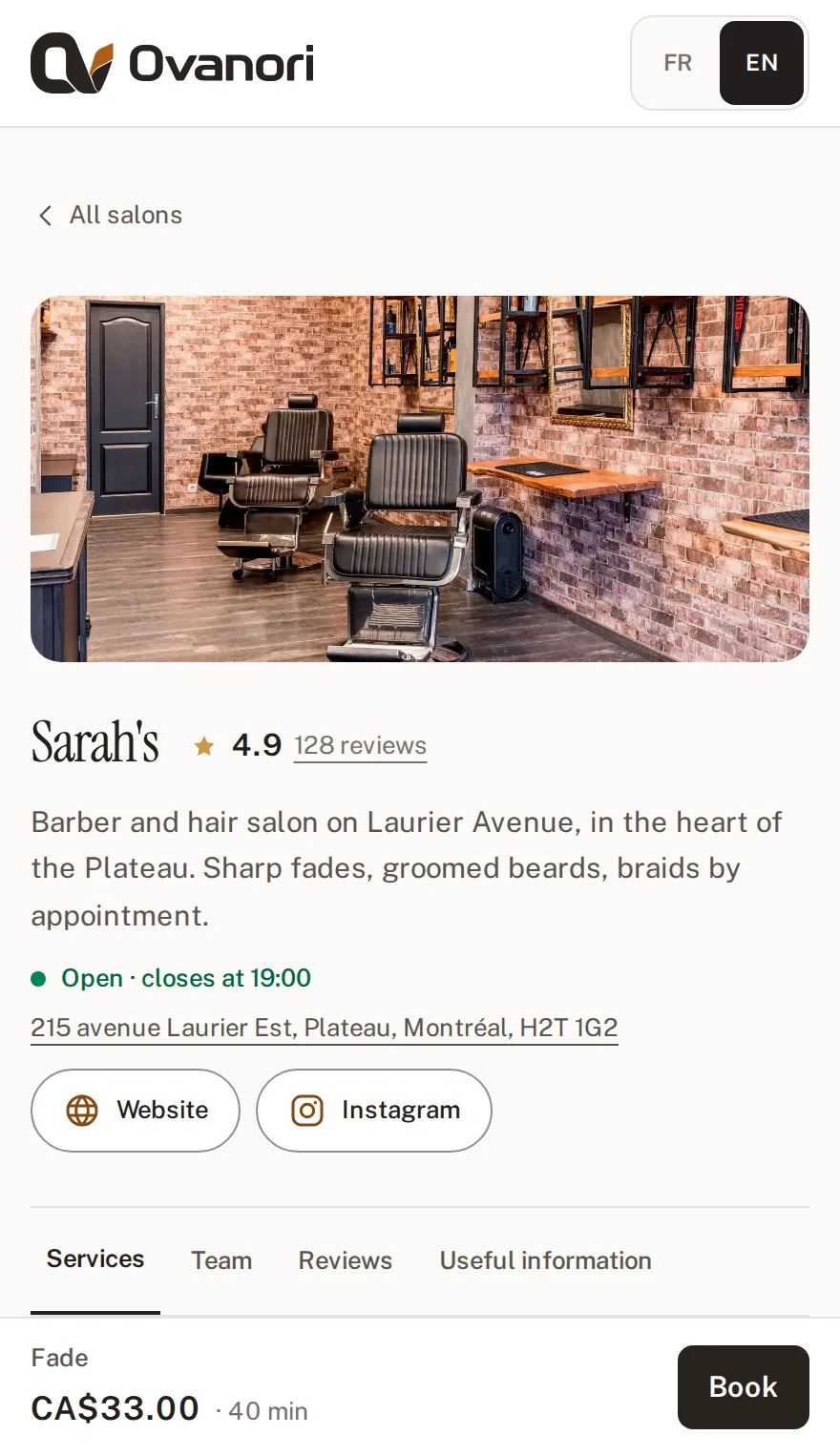
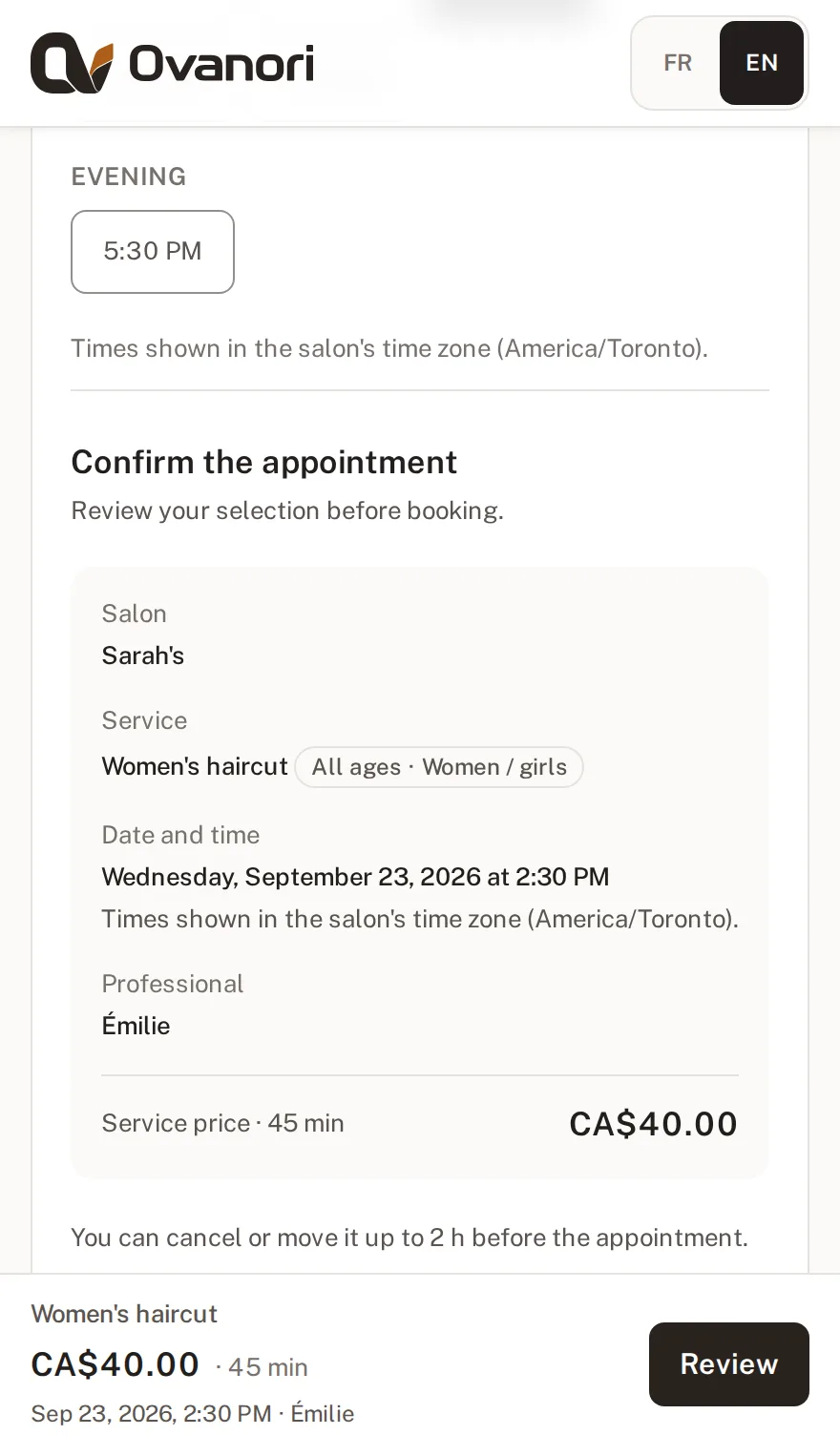
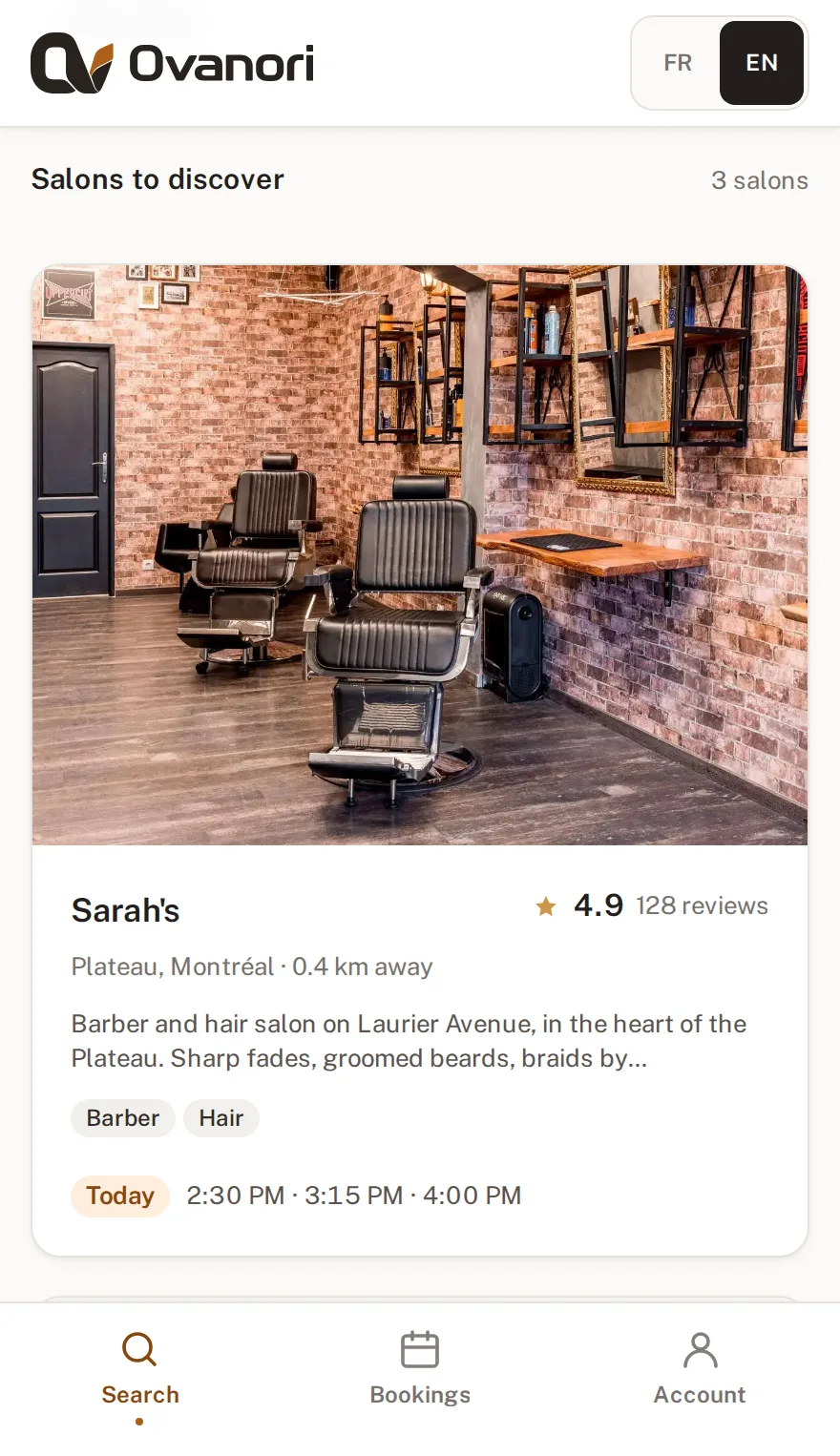
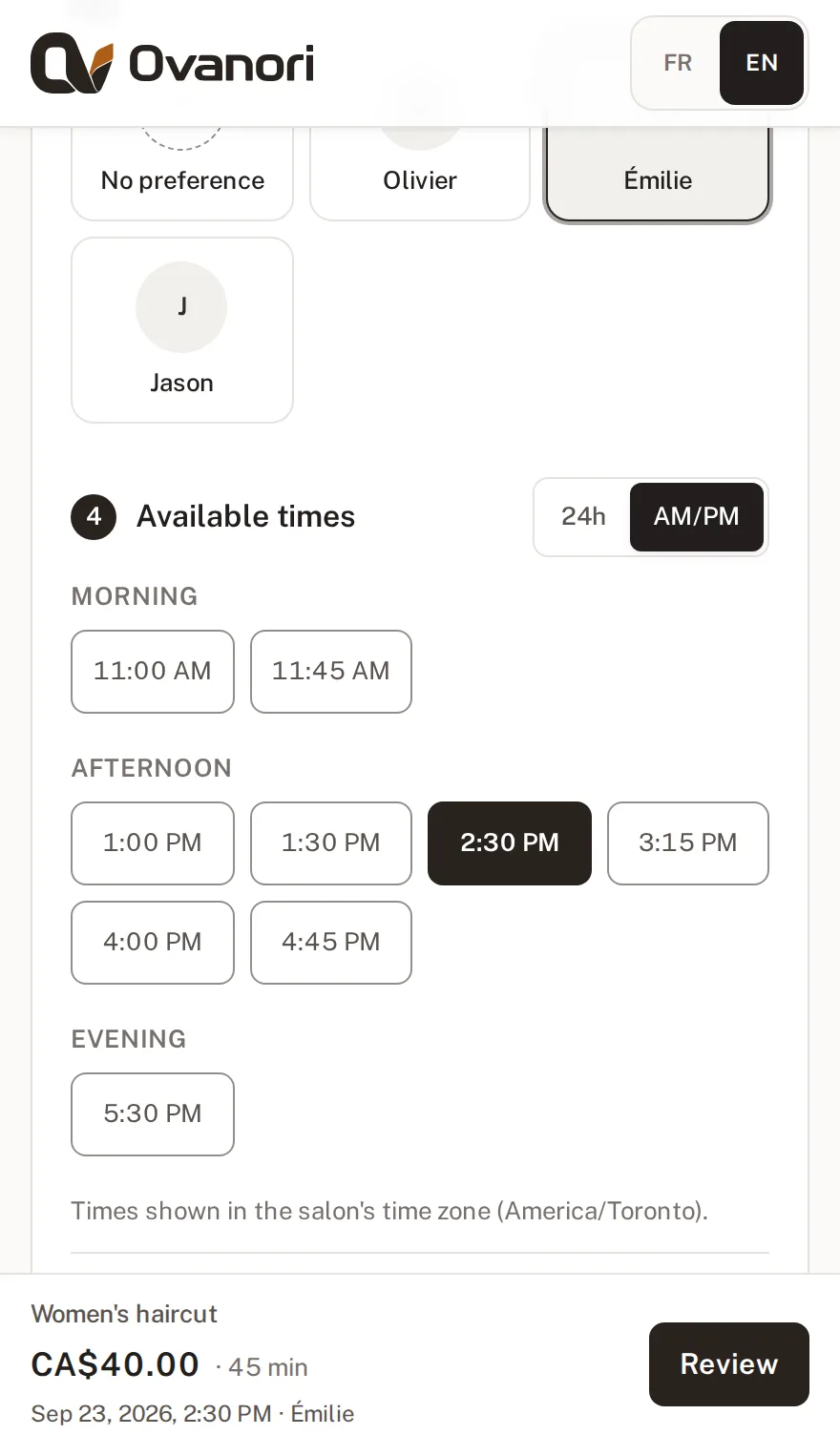
What your clients see
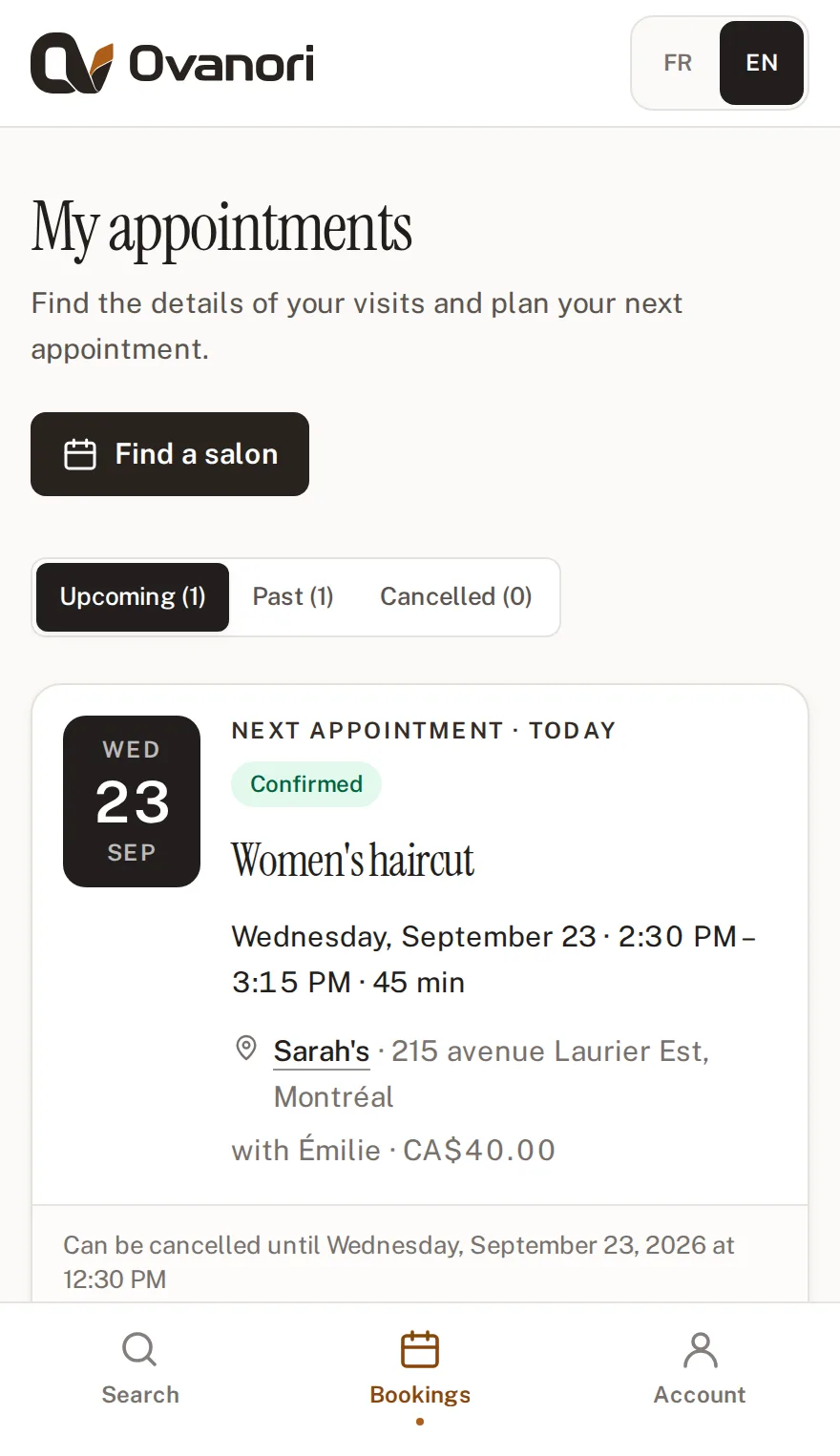
They find your page, choose a time and receive confirmation. These are the screens they use.
← Swipe to see all three steps →
They find you
By trade and by neighbourhood, with your open times for today shown on your card.
They choose
The person, then the time, among what is actually still free.
They get reminded
Instant confirmation, a reminder the day before, and one-tap cancellation within the window you set.
More time for your craft
Your hours are the law
Holidays, closing days, the lunch break: what is not open never shows up as bookable.
Automatic reminders
Confirmation on booking, a reminder before the appointment, a notice on any change. You send nothing by hand.
Verified reviews
Clients can leave a review after their appointment. You can reply from your workspace.
Your numbers, no spreadsheet
Appointments, cancellations and estimated revenue: follow your activity over the period you choose.
Your numbers
- Appointments
- 342
- Completed
- 318
- Revenue
- $14,860.00
- Profile views
- 2140
- QR scans
- 187
- Returning customers
- 96
- No-shows
- 4
- Cancellations
- 11
- Average rating
- 4.9 (128)
Fewer missed appointments
Choose what you ask of clients who book online. Change your mind whenever you like, from your pro space.
Payments go straight to your own Stripe account, then to your bank account. No Ovanori commission: only Stripe’s card fees apply.
Card on file
The card is saved and nothing is charged. A fee applies only if the client doesn’t show up.
Deposit
Part of the price is paid when booking. Cancelled in time, the deposit is refunded automatically.
Full payment
Everything is paid when booking. Nothing to collect at the salon.
One tool for every appointment-based trade
For independent professionals and teams: hair, barbering, beauty, wellness and other appointment-based services.
Looking for a salon? Find a salon →
One clear subscription. No commission.
Choose your plan based on your team’s size. You keep the full amount of your service fees.
- Try it without a credit card
- No percentage taken from your appointments.
- Invoices and cancellation in one click, any time.
Before you get started
Do I need an existing website?
No. Your shop gets its own Ovanori page with your services, opening hours and photos. Share its link or the associated QR code.
Do my clients need an account?
They can browse your page and choose a time without an account. They sign in or create an account to confirm and manage their appointments.
How do I reduce missed appointments?
Ask for a card on file, a deposit or full payment when clients book, from your pro space. Clients also get an email reminder the day before and two hours before.
What happens when the trial ends?
The trial doesn’t require a credit card. During the trial, your page is visible and clients can book; after that, you need an active subscription to stay visible. Without one, your page is hidden and booking closes, but your services, appointments and reviews are kept: everything comes back with the first payment.
Can I cancel my subscription?
Yes, at any time, from your pro space. Your page stays visible until the end of the paid period.
Your shop online today
Create your page, add your services and open your first time slots.
Start your free trial